January 21, 2026 · 5 mins read
Santosh Kumar
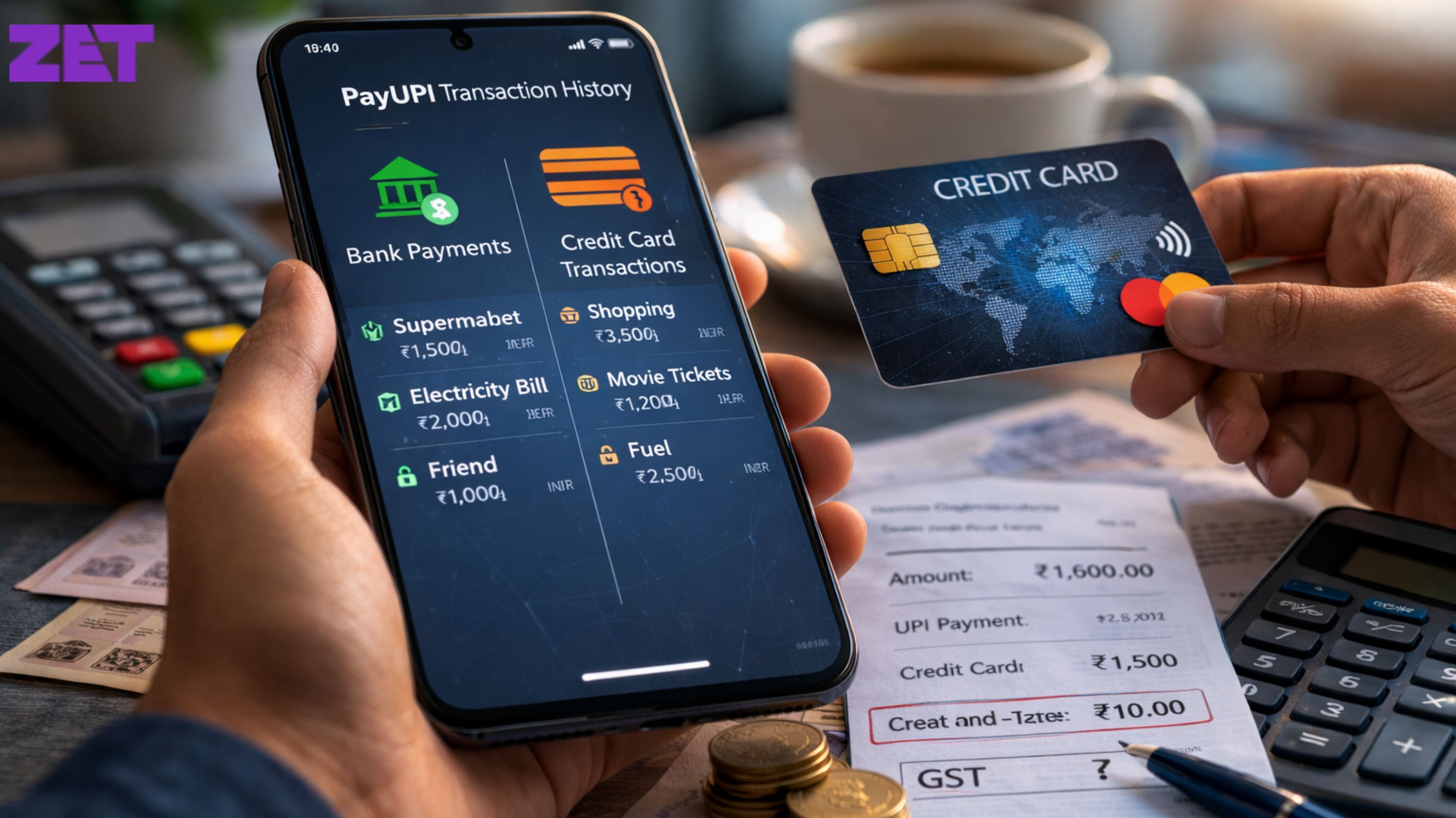
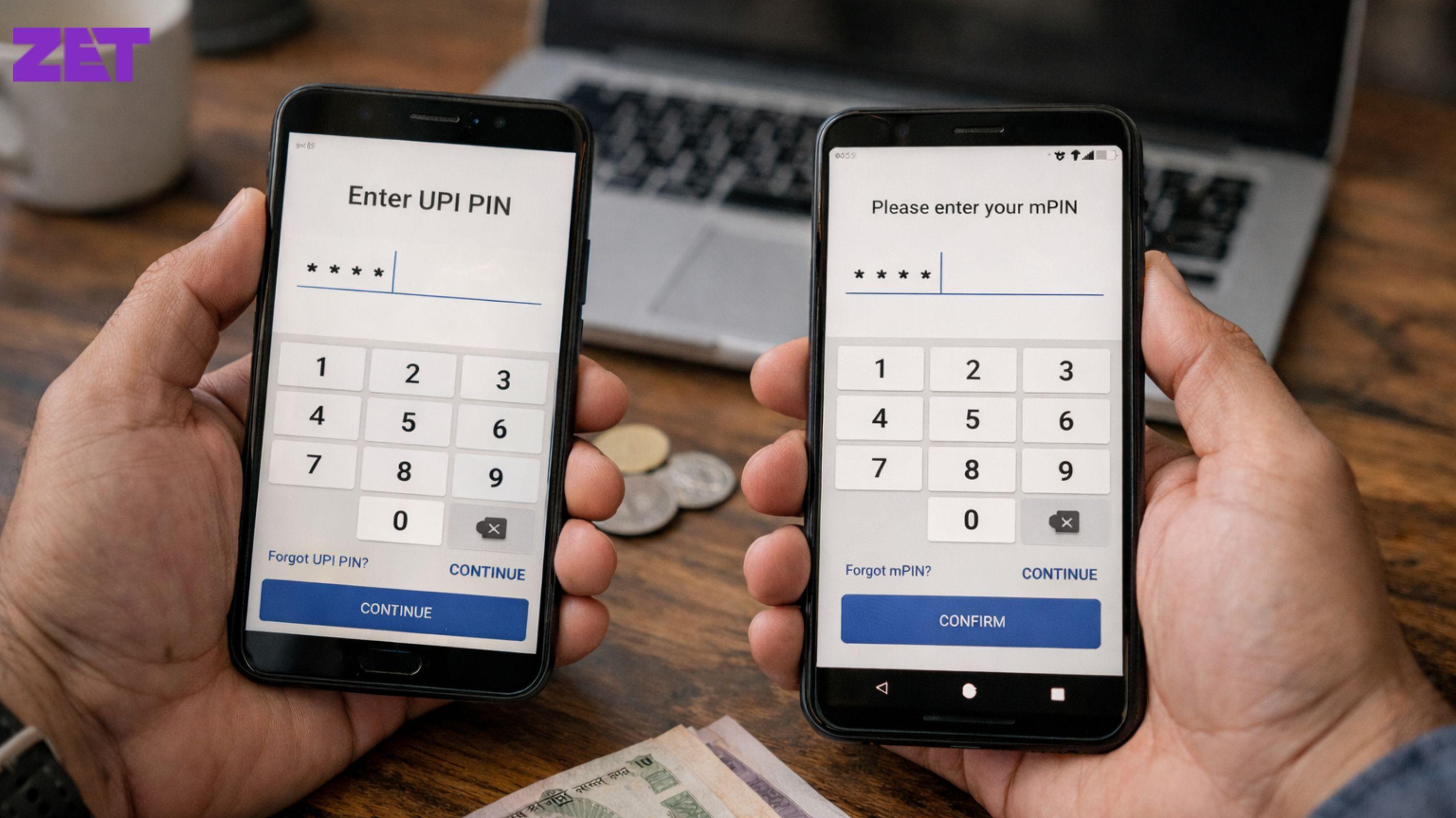
If you use UPI credit cards with your UPI bank account regularly, you must keep track of these two types of payments separately. Using the same UPI interface for both types of payments can create confusion about which transactions are removed from your bank balance and which are charged to your credit card.

In order to accurately track UPI credit card transactions, use your credit card statement to record all amounts charged via your credit card as UPI funding. Each transaction appears on your credit card statement like any other purchase made using your credit card. The merchant name, date of the transaction, and amount are listed on the entry; they do not show as bank debits. Your credit card statement should always be the first place to look for a complete view of what you owe and when.
Your bank statement will not indicate the payment method for UPI transactions completed from either your savings or current account. Any charge showing on your bank statement may be an indication that the transaction was made using a UPI credit card. Knowing which transactions were done using bank accounts and which were done using credit cards will help you reconcile your monthly expenses.
Most UPI applications allow users to differentiate between their funding sources as well. Many provide a label during the payment process indicating whether you provided a bank account or a credit card for funding. Some of them provide a transaction filtering option to allow you to see all UPI payments based on their funding sources, but this feature is not provided by all applications. Notifications are also very useful. When a UPI payment is made from your bank account, you will receive a notification alerting you of a debit in real-time, whereas a UPI payment made with a credit card will provide a card transaction alert from your credit card company in real-time. Therefore, monitoring these notifications regularly will enable you to know the source of each payment as they occur.
Also Read: How to Apply for a ₹2,000 FD Credit Card on ZET App: A Step-by-Step Guide?
Developing the habit of regularly checking your credit card mobile application or net banking dashboard is a great way to manage your finances. In addition to clearly defining each transaction category, you will also find your outstanding balance, billing cycles, and due dates.
When using your credit card to make payments through UPI, having a simple monthly reconciliation procedure will allow you to easily identify any discrepancies between your credit card statements, bank statements, and UPI transaction history. This will minimise the chances of incurring fees due to missed payments and excess interest charges.
Also Read: Can Students Get a ₹2,000 FD Credit Card? A Complete Guide
Users who may struggle to keep track of all of their transactions may find it beneficial to use digital tools that provide an easy way to see how credit/debt was generated, paid off, and remains due. One company, ZETAPP, offers this type of web-based application to assist users in understanding their credit/debt transactions better, thus giving users an easier way to manage their finances.
Also Read: How a ₹2,000 FD Credit Card Helps Build Your CIBIL Score Fast
You can see this either on your credit card bill or through your mobile payment application. If the UPI amount is shown on your credit card statement, but it has not been deducted from your bank account, then it will be a credit card UPI transaction.
Many do, but not all. Some applications will list your financial source used for the transaction, while others will only provide the amount of the transaction and the name of the vendor.
When you make a UPI payment using a bank account, that money comes directly from your bank, but if you make a UPI payment with a credit card, you are responsible for paying it back later with potential interest.
If tracking error results in you being late on a credit card bill that was caused by miscommunication or confusion, then you may incur late fees and damage to your credit history.



Contact

care@zetapp.in
Social


Build and Maintain a 750+ Credit Score